Blog
Planning PoE CCTV on your network: power, cabling and storage
IP cameras powered over the network cable are simpler to install and easier to keep running. Plan the power, cabling and storage first and the rest falls into place.
JASS Networks team · Published · 5 min read
Why PoE suits CCTV
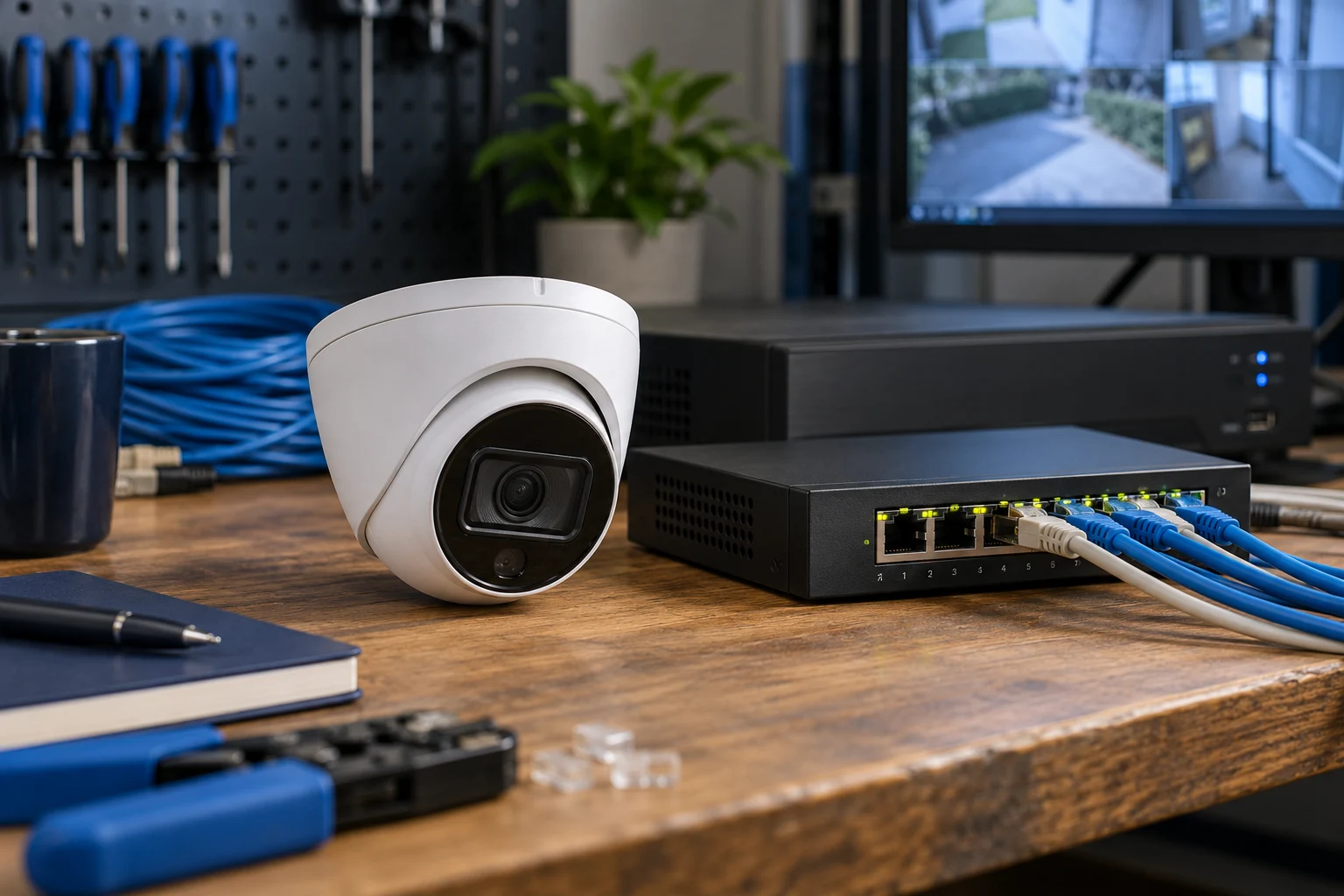
With Power over Ethernet (PoE), one network cable carries both video and power to each IP camera. There's no need for a power socket at every camera position, and cameras are powered from a PoE switch in the rack.
Put that switch on a UPS and the cameras keep recording through a power cut, without a separate backup at each camera.
Work out the power budget
PoE comes in several standards. IEEE 802.3af provides up to 15.4 W per port at the switch, 802.3at (PoE+) up to 30 W, and 802.3bt up to 60–90 W. Fixed cameras usually fit within the lower classes; PTZ cameras and models with heaters or strong infrared often need more.
Every PoE switch also has a total power budget shared across its ports. Add up the maximum draw of all the cameras on it and leave headroom for additions.
Cabling and distance
The 100-metre Ethernet channel limit applies to cameras just as it does to desk outlets. Plan camera positions during the site survey, so each one is within reach of a switch, and use outdoor-rated cable and protection wherever runs leave the building.
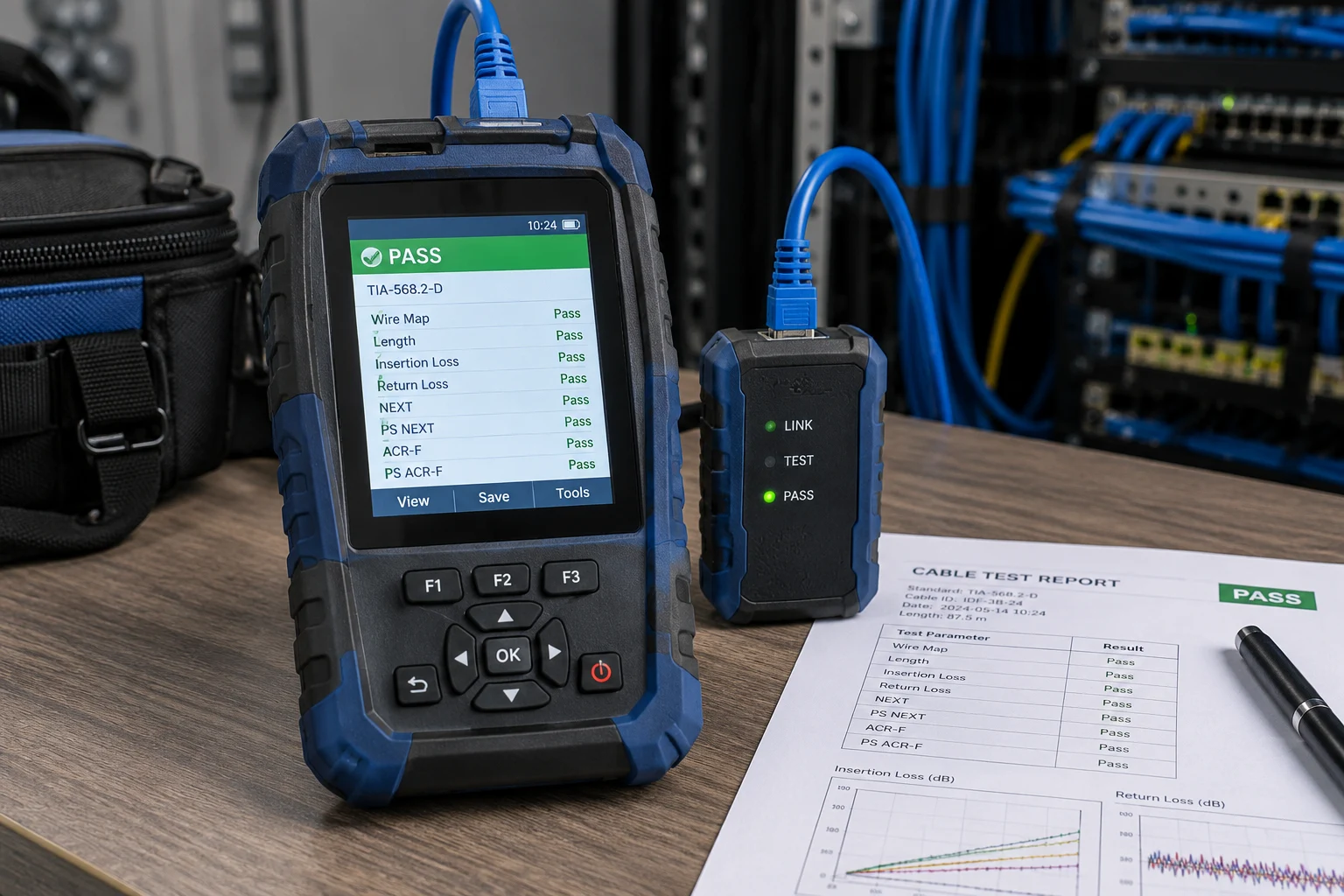
Give each camera its own dedicated, labelled point, tested and recorded like any other link — it makes faults quick to trace later.
Recording and storage
Storage depends on the number of cameras, their resolution and frame rate, the video compression and how many days of footage you must keep. Agree the retention period first — it drives the size of the recorder more than anything else.
Keep camera traffic separate
Cameras send video continuously. Keeping them on a dedicated switch or separate network segment stops video from competing with office traffic, and limits who can reach the cameras.
Access control on the same infrastructure
Biometric and card readers can run on the same structured cabling. Controlled doors should be connected to the fire alarm through fail-safe relays, so they release automatically in an emergency — coordinate this with your fire alarm provider at the design stage.
Planning checklist
- Camera positions and fields of view marked on the floor plan.
- Power class for each camera, and the total PoE budget per switch.
- Cable route and distance for every camera, including outdoor sections.
- Required retention period for recordings.
- UPS for the switches and recorder.
- Fire alarm integration for every access-controlled door.
Planning a project like this?
Tell us about your site and we'll recommend the right approach — from survey and design to installation and certified handover.